
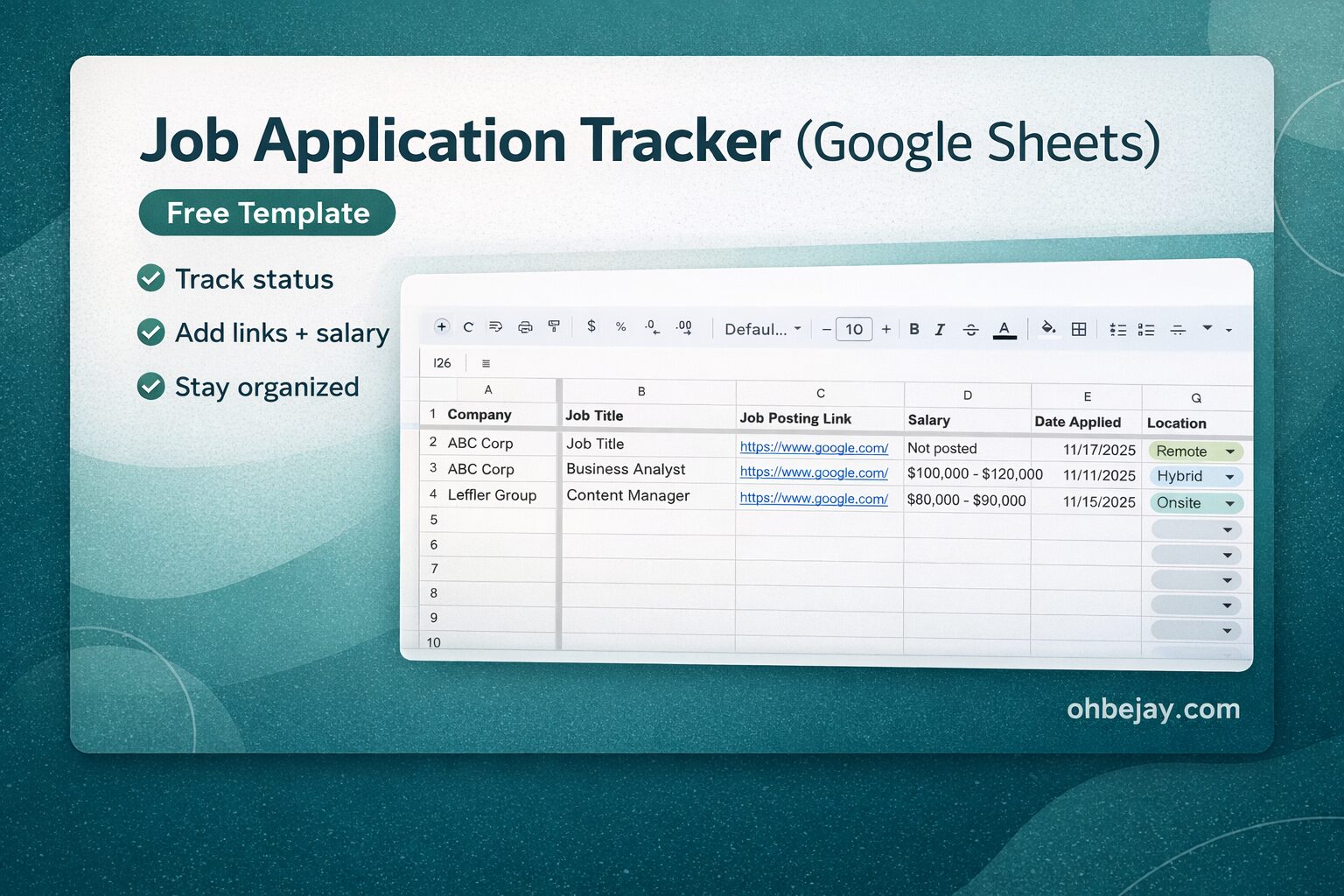
A job search can get messy fast.
You apply to five roles. Then ten. Then twenty. Suddenly you can’t remember where you applied, who emailed you, or when you meant to follow up.
That’s where a job application tracker helps.
Below, you’ll find a free job application tracker Google Sheets template you can use immediately — plus guidance on how to organize your search.
Free Job Application Tracker (Google Sheets)
You can access the free template here:
When you click the link, Google Sheets will prompt you to “Make a copy.”
Select that option so the spreadsheet saves to your own Google Drive and becomes fully editable.
This way, you have a private copy just for yourself.
How to Use The Sheet
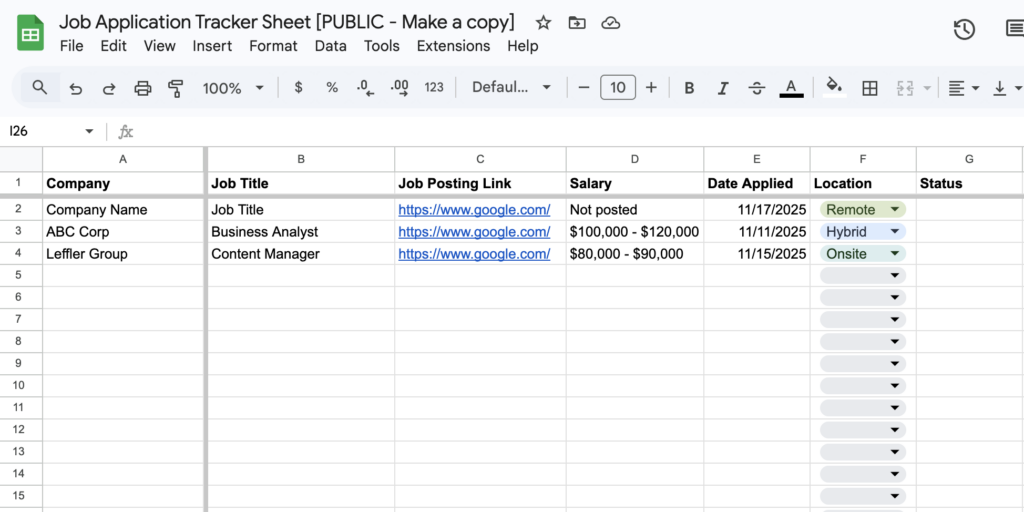
The Google Sheets template includes the following columns:
- Company
- Job Title
- Job Posting Link
- Salary
- Date Applied
- Location
- Status
- Next Step
- Notes
Here’s how to use each one.
Company
Enter the company’s full name. Keep it consistent so you can easily scan your list later.
Job Title
Record the exact job title from the posting. This helps you see patterns in the types of roles you’re targeting and where you’re getting traction.
Job Posting Link
Paste the original URL.
Saving the link allows you to revisit the description before interviews. Job listings often disappear after a few weeks, so keep that in mind.
Salary
If the range is listed, include it (for example, $80,000–$90,000).
If no salary is posted, put “Not posted.”
Over time, this column helps you compare ranges across roles and companies.
Date Applied
Log the exact date you submitted your application. This is critical for:
- Tracking response times
- Knowing when to follow up
- Seeing how long hiring processes take
Without dates, everything starts to blur together.
Location
Note whether the role is:
- Remote
- Hybrid
- Onsite
If location flexibility matters to you, this column becomes valuable when you’re weighing multiple opportunities.
Status
Keep this column updated with the most recent status for each opportunity.
Common status labels include:
- Applied
- Recruiter Screen
- Interviewing
- Final Round
- Offer
- Rejected
Updating this regularly prevents confusion and helps you see progress clearly.
Next Step
This is where the tracker becomes proactive instead of passive. Instead of waiting, define the next action.
For example:
- Send follow-up email on [date]
- Prepare for presentation
- Receive feedback on take-home assessment
Notes
Use this space for anything that’s top of mind. I often used this column to rate my excitement about each role. I also found it helpful to write notes on anything unique about the role that I wanted to reference later.
Google Sheets vs. Excel
If you prefer working in the cloud and accessing your tracker from anywhere, Google Sheets is better.
It auto-saves and works across devices. Google Sheets also makes it easy to share the file with others, if you have someone else helping you with your job search.
If you prefer Microsoft’s suite of products, you may want an Excel template instead.
Note: You can download your Google Sheets job application tracker and export it as an Excel file.
Why a Job Application Spreadsheet Helps
Using a spreadsheet helps you:
- Avoid applying to the same job twice
- Keep track of when you’ll hear back
- Follow up at the right times
- Track which types of roles convert into interviews
- Identify companies that respond quickly
- Compare salary ranges objectively
When everything lives in your head or in different places, the job search feels chaotic.
When everything lives in one sheet, the job search becomes manageable.
Frequently Asked Questions
Is Google Sheets better than Excel for a job application tracker?
It depends on your preference. Google Sheets is cloud-based and auto-saves, which makes it convenient during active job searches. Excel offers more advanced formatting tools if you prefer offline work.
What should I include in a job application tracker?
At minimum: company name, job title, date applied, status, and next step. Adding salary, location, and notes helps you evaluate opportunities more strategically.
Is there a free job application tracker template?
Yes. You can use the Google Sheets template linked above. You’ll be prompted to make a copy so you can edit your own version.
How often should I update my job application spreadsheet?
Ideally, update it the same day you apply or receive a response. Keeping it current prevents missed follow-ups and confusion.
Should I track rejected applications?
Yes. Rejections still provide data. Over time, you may notice patterns in role type, industry, or timing that help refine your search.